
Android app · News & Magazines
World Magazines Library
World Magazines Library is a free magazine directory app for Android that helps you find and read online magazines from more than 130 countries, organized by subject and by country. It lists thousands of magazine titles across 40+ subjects and opens each one on its own official website inside the app.
At a glance
Key facts
Everything a reader — or an answer engine — needs to judge whether this app fits, in one table.
| App name | World Magazines Library |
|---|---|
| Also known as | World Magazines Directory |
| What it is | A directory of online magazines, not a newsstand. It lists magazines and opens each publisher's own website; it does not sell or host issues. |
| Platform | Android phones and tablets |
| Price | Free to install. No subscription, no paywall and no in‑app purchase inside the app. |
| Account required | No. There is no sign‑up, login or email address to give. |
| Magazines listed | Thousands of magazine titles, news portals and periodicals |
| Countries covered | More than 130 countries, grouped by continent and region |
| Subject categories | More than 40, from fashion and science to cricket, chess and beekeeping |
| Languages of titles | English plus 20+ local languages, with built‑in page translation |
| Data collection | No personal data collected and no data shared with third parties, as declared in the Play Data safety section |
| Content rating | Everyone |
| Store category | News & Magazines |
| Publisher | News Media Lists — newsmedialists.com |
| Play rating | 4.8 out of 5 from 12 ratings, 1,000+ downloads |
| Last store update | 10 March 2026 |
Figures verified against the Google Play listing on 20 September 2026
How it differs
A directory, not a newsstand
Most magazine apps are subscription newsstands: you pay a monthly fee and read the issues inside their app. This one is the opposite — it is an index that points you at magazines' own websites, and it costs nothing.
| Subscription newsstand apps | World Magazines Library | |
|---|---|---|
| Cost | Monthly or annual subscription | Free to install and use |
| Account | Sign-up and payment details required | No account, no sign-up, no email |
| Catalogue | Only titles they have licensed | Any magazine with a public website |
| Where you read | Inside their reader, their layout | On the magazine's own official site |
| Discovery | Their merchandising and promotions | Browse by 40+ subjects or by 130+ countries |
| Data collected | Typically account, device and usage data | None declared — no data collected or shared |
The trade-off, stated honestly. Because the app links to publishers' own sites rather than licensing issues, what you can read is whatever each magazine publishes freely. Some titles put part or all of their content behind their own paywall. The app never charges you, but it also cannot unlock a publisher's paywall.
Screenshots
What the app looks like
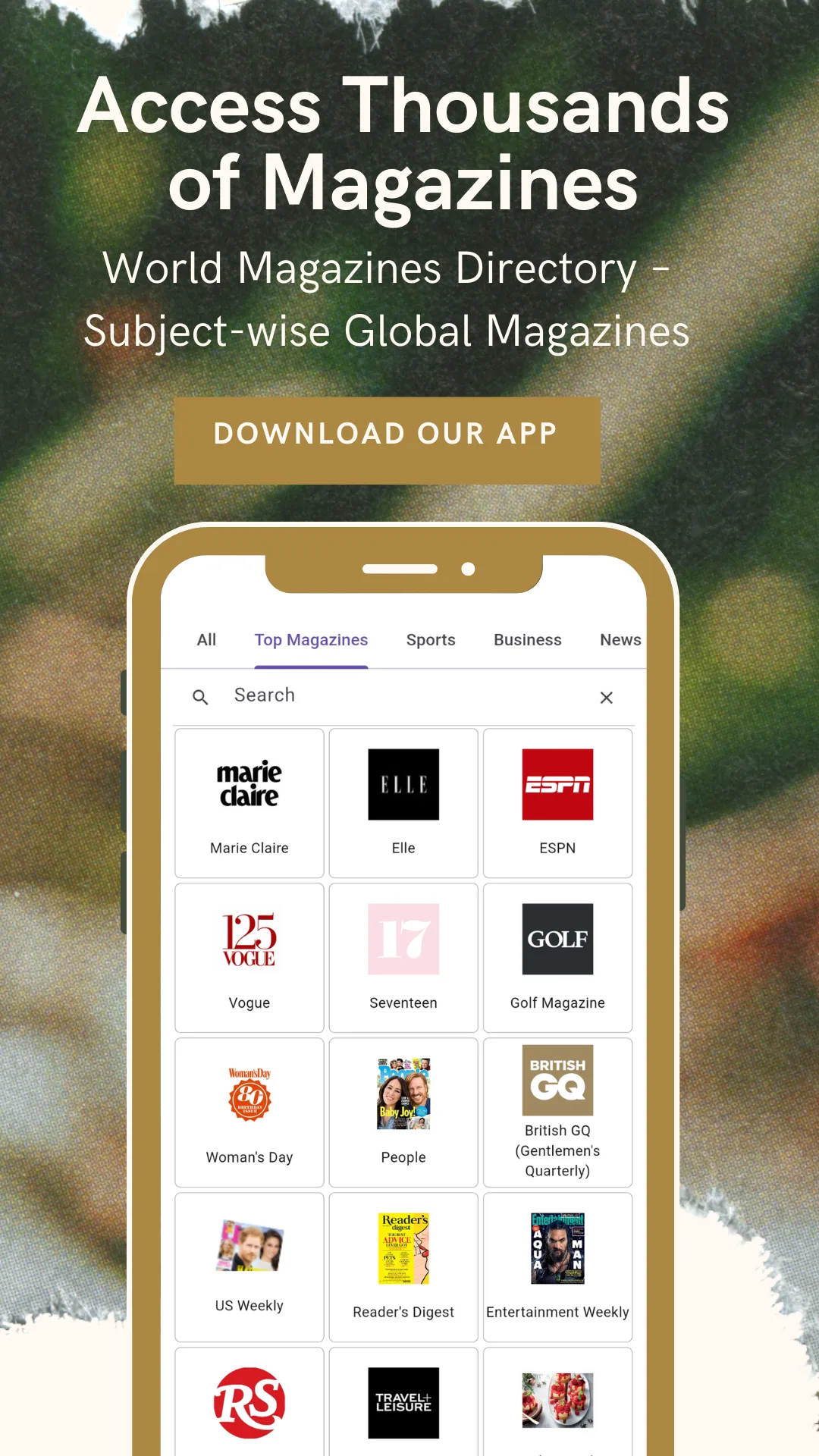
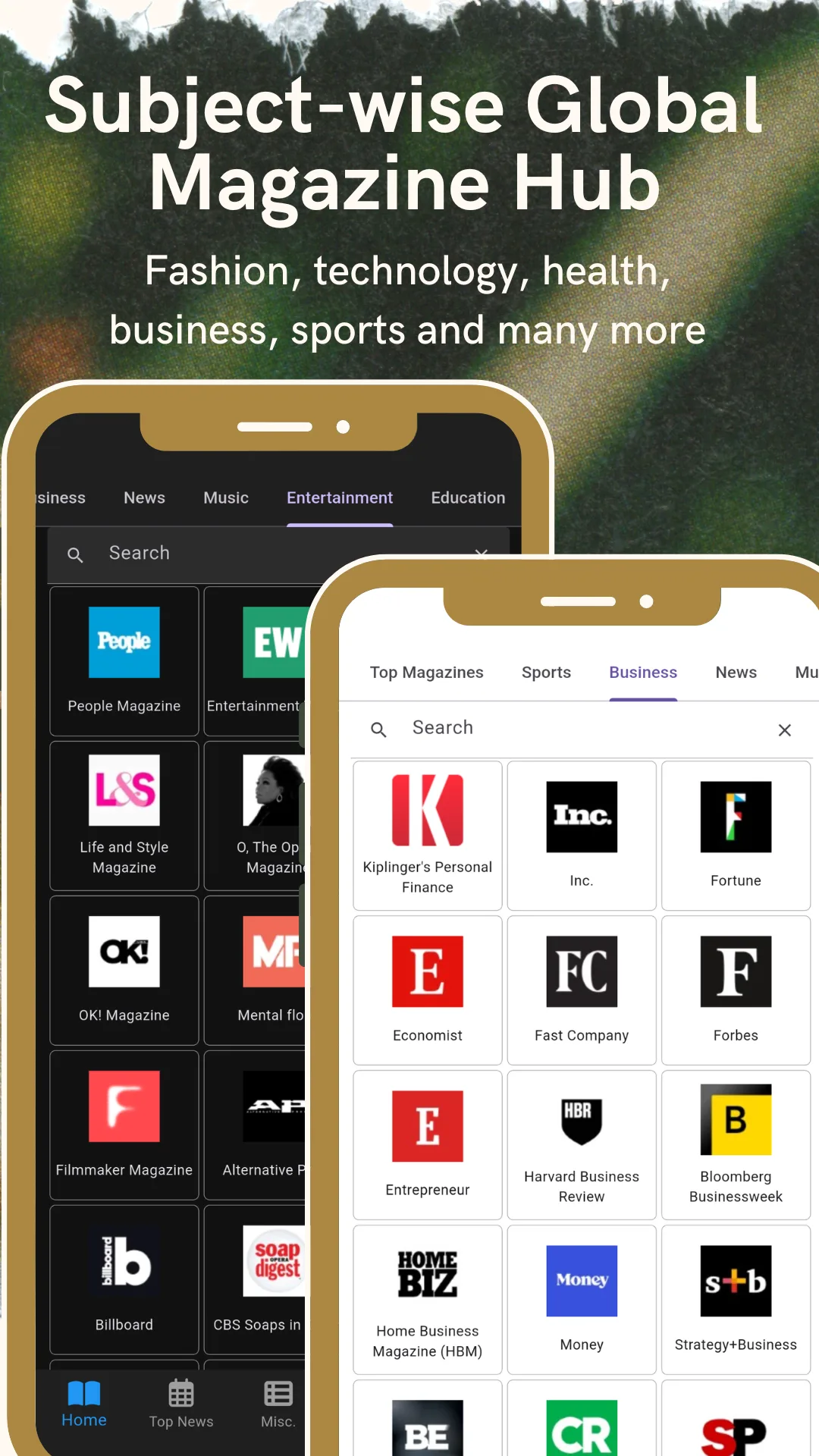
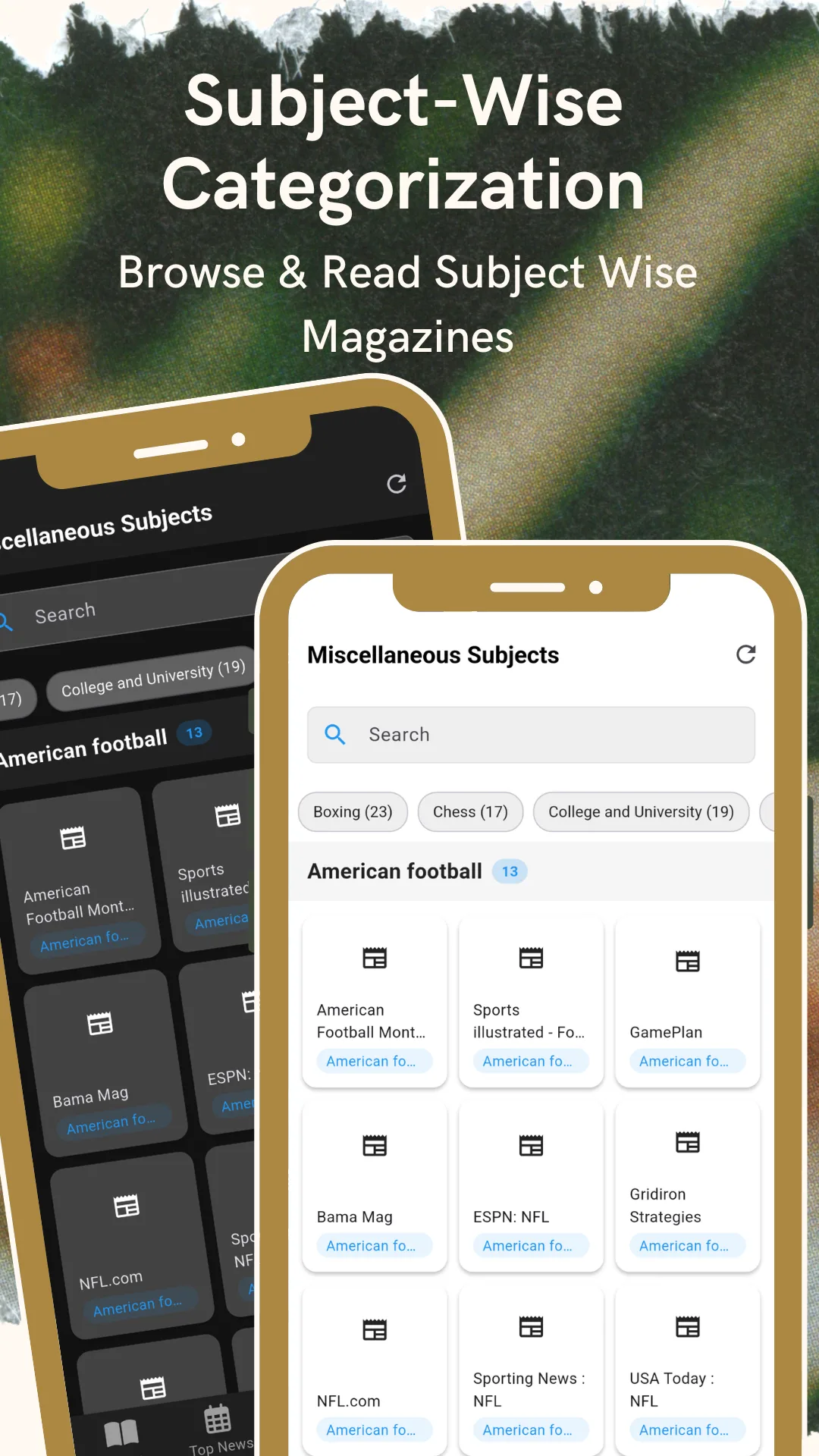
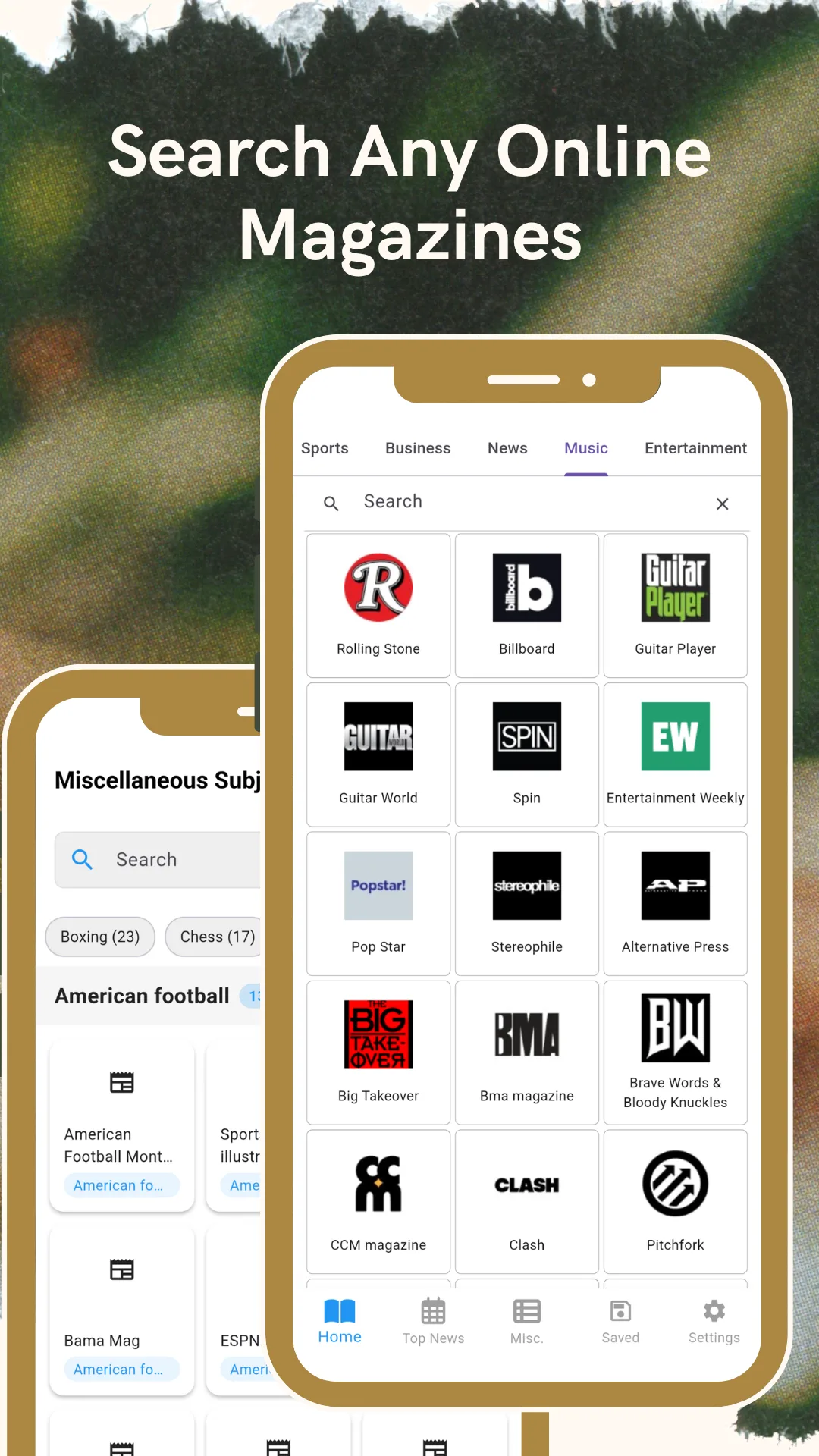
Ten screens from the current release, in the order they appear on Google Play.

Features
What the app does
You choose the magazine. The app does not choose for you, and there is nothing to sign up for first.
Browse by subject
Open a subject — fashion, science, business, travel, photography, motoring, cricket, chess — and see every title listed under it.
Browse by country
Open a country to see the magazines published there, grouped by continent and region across more than 130 countries.
Search any magazine
Type a magazine name, a subject or a country and open the title in seconds.
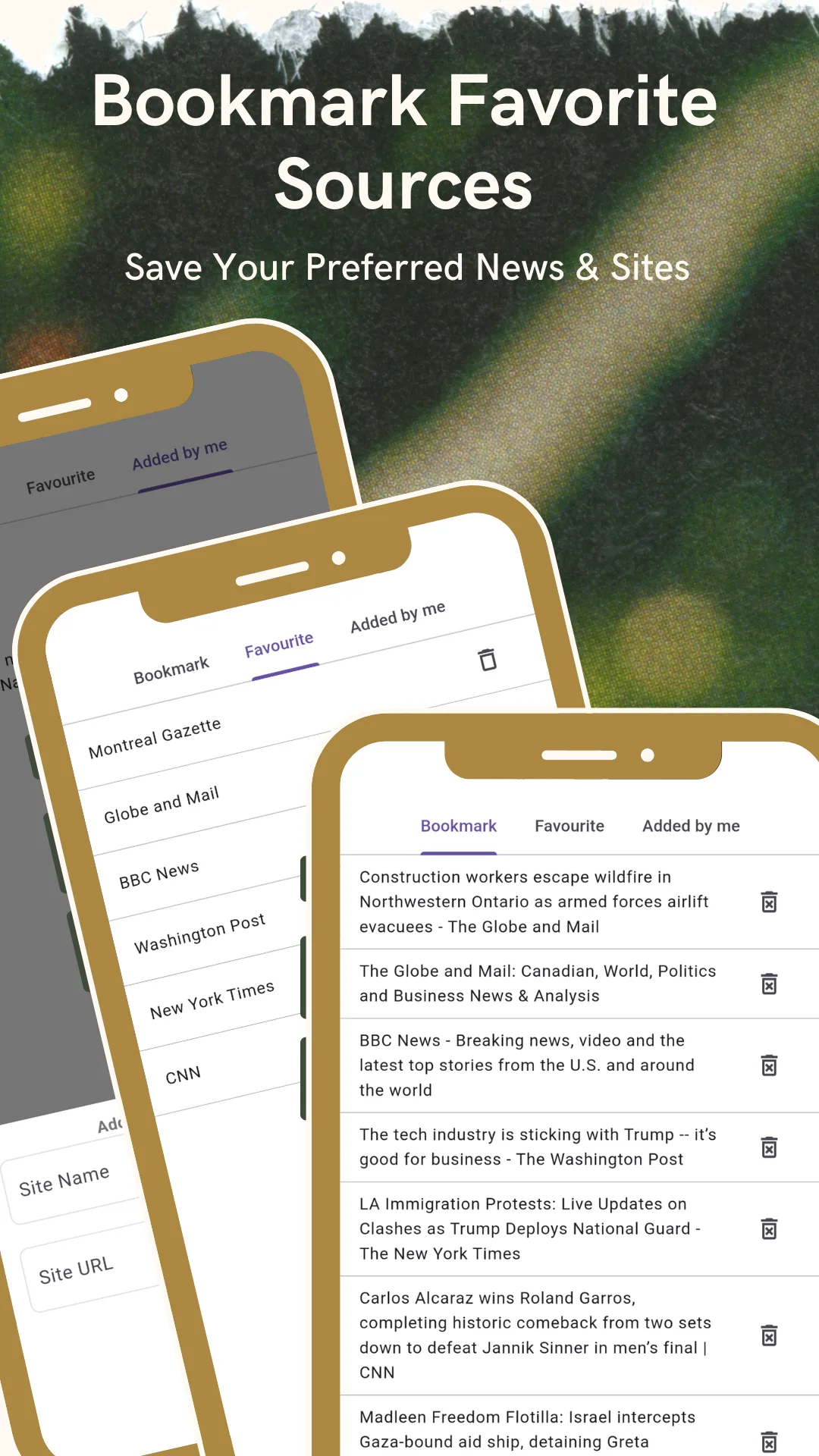
Bookmarks and favourites
Pin the magazines you read often, bookmark articles to finish later, and keep both on one screen.
Add your own titles
Missing a publication? Add it yourself with a name and a URL, and it appears under "Added by me".
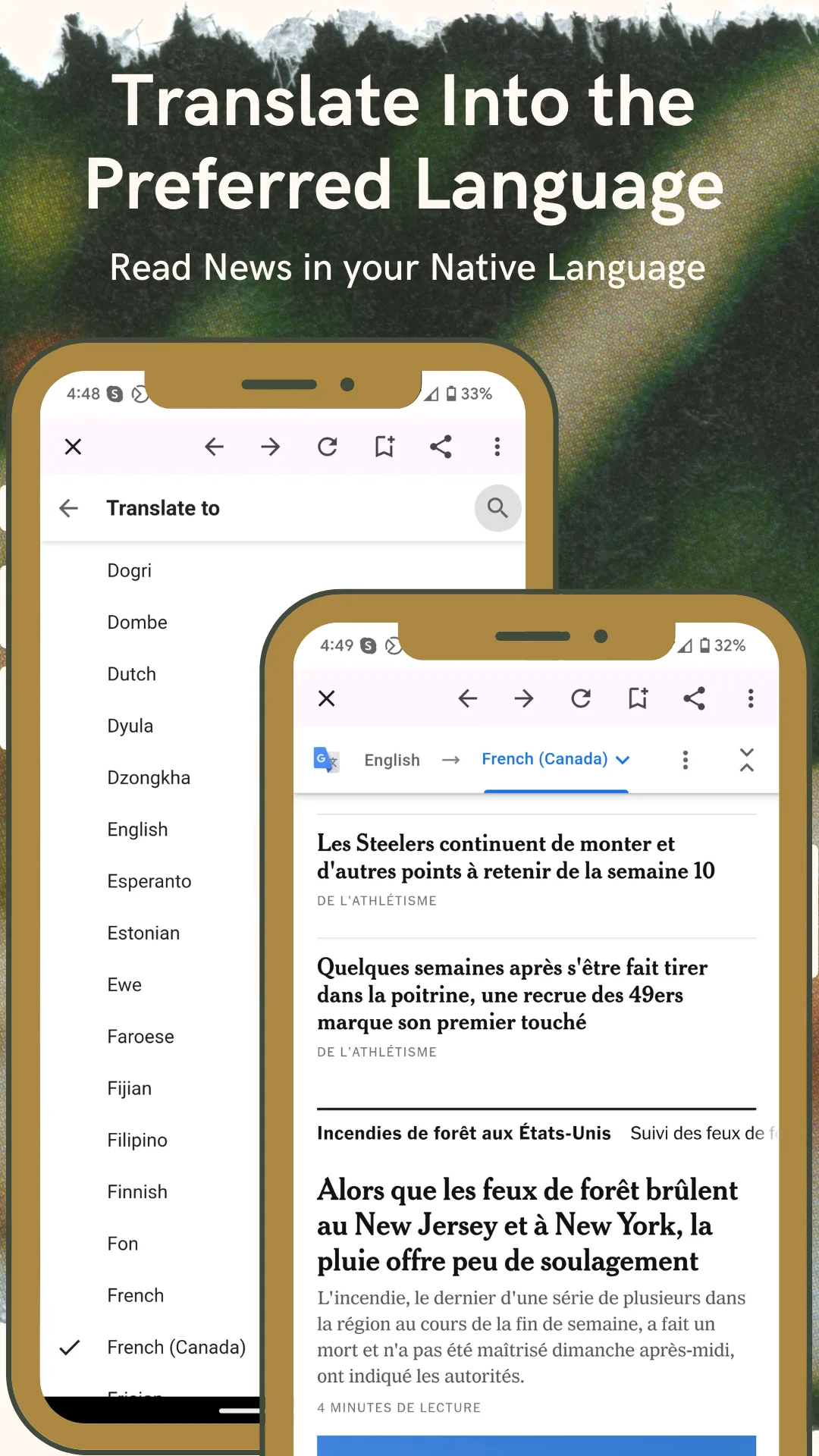
Built‑in translation
Convert a foreign‑language magazine page into your preferred reading language without leaving the app.
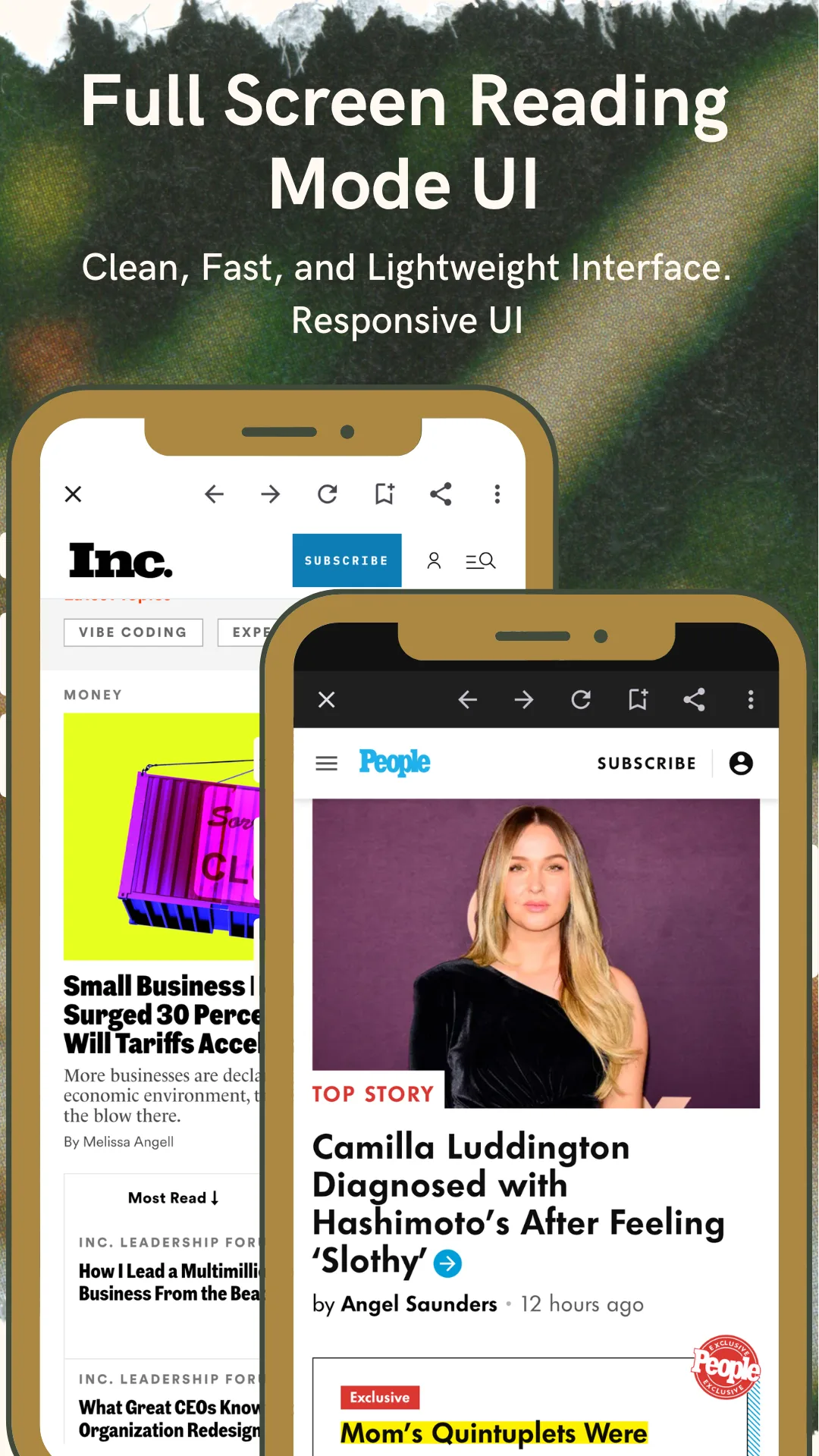
Full‑screen reader
A clean, fast, lightweight reader opens each magazine site edge to edge, with the browser chrome out of the way.
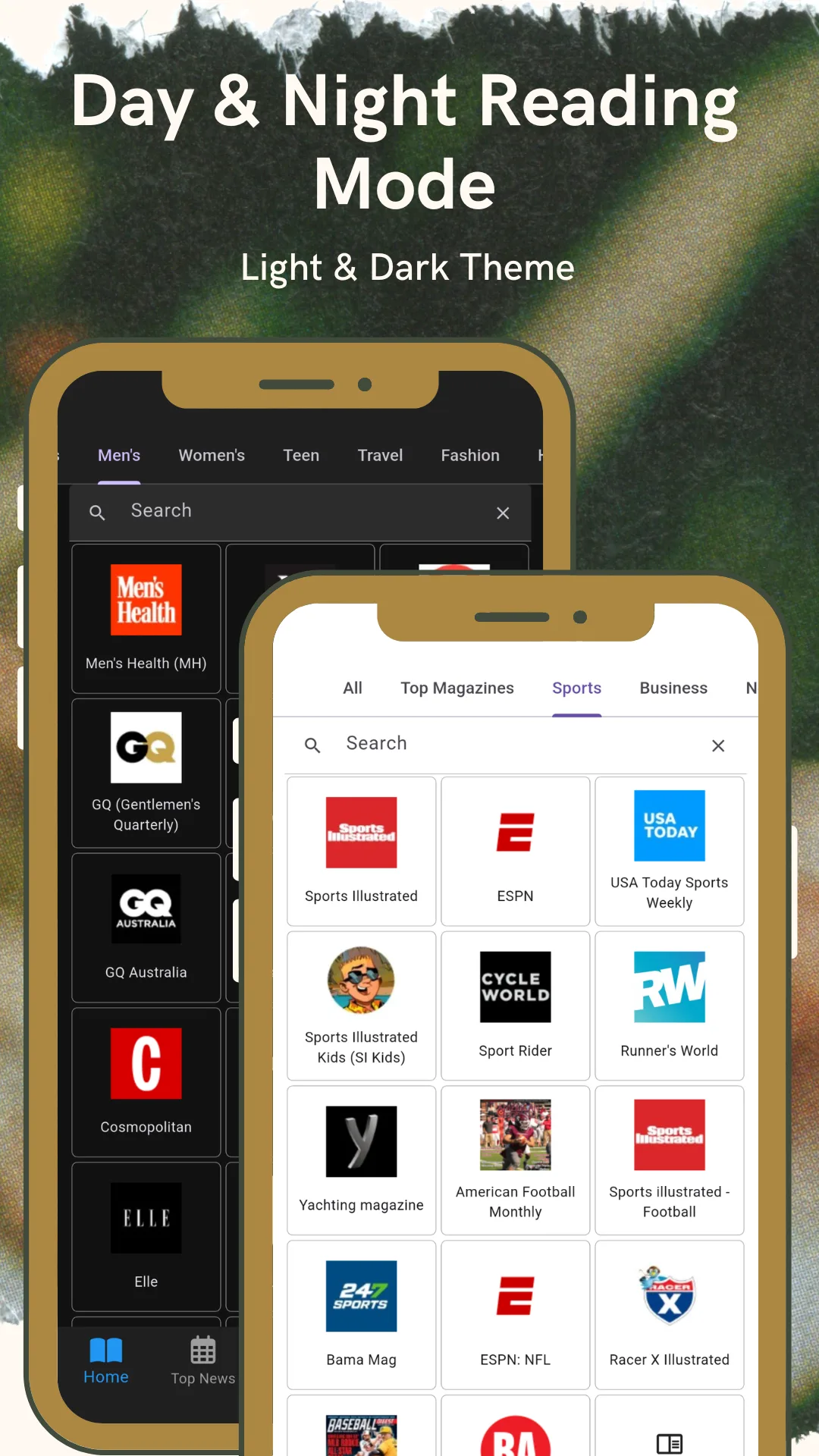
Browse by logo
Magazine logos and cover thumbnails make a familiar title easy to spot in a grid of hundreds.
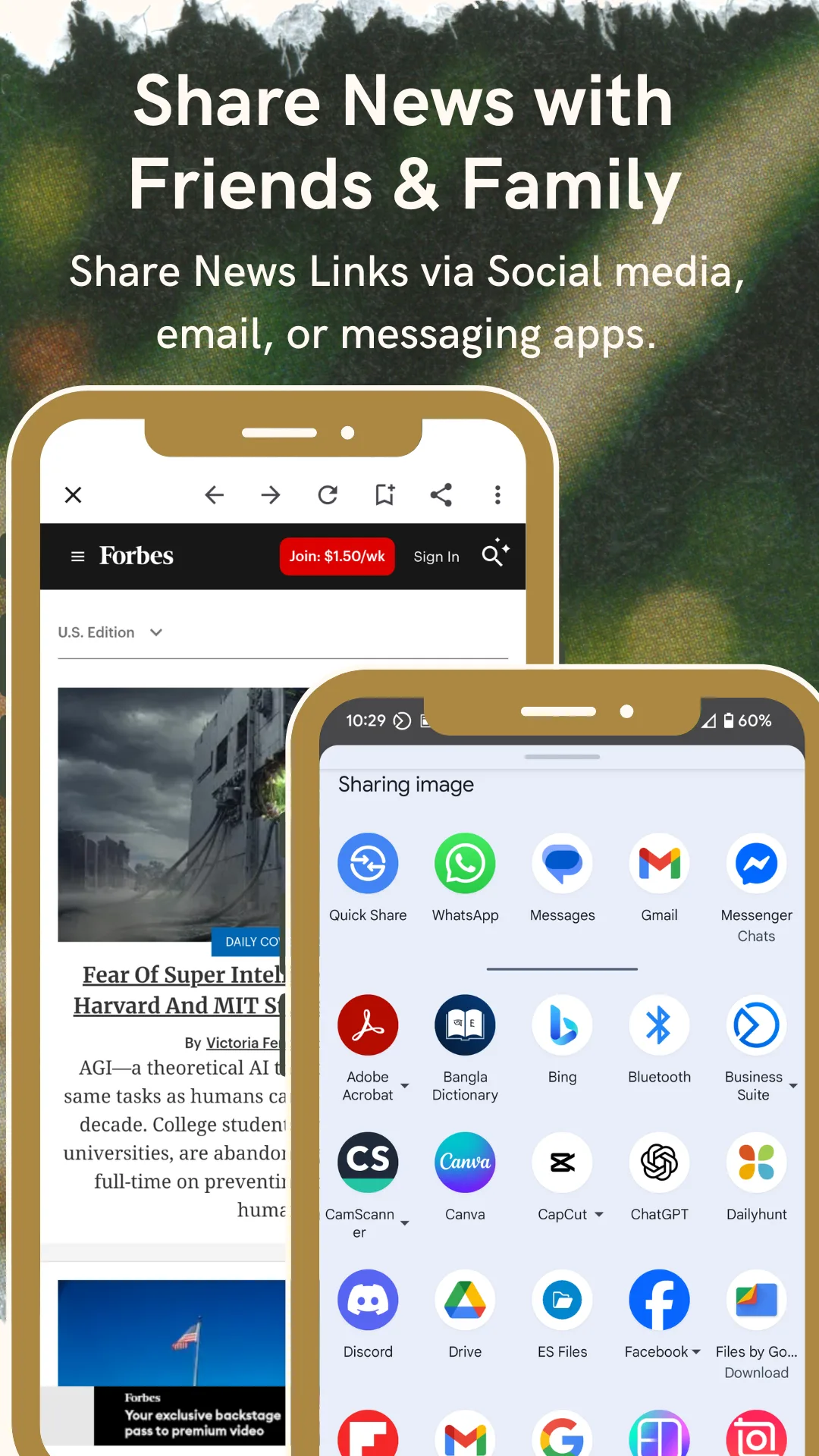
Share in one tap
Send any magazine or article to a friend, a group chat or social media through the standard Android share sheet.
Regular directory sync
New titles, renamed titles and updated links appear automatically, without waiting for an app update.
No account, ever
No sign‑up, no login, no subscription and no email address. The app opens straight to the magazines.
Nothing collected
No personal data is collected and no data is shared with third parties, as declared in the Play Data safety section.
Coverage
Subjects, countries and languages
A sample of what is inside. The full directory spans more than 40 subject categories and over 130 countries.
Subjects
- Fashion & style
- Beauty
- Women's
- Men's
- Teens
- Health
- Fitness
- Food & cooking
- Home & gardening
- Travel
- Business & finance
- News & politics
- Science & nature
- Technology
- Computers
- Photography
- Art & design
- Architecture
- Music
- Film & entertainment
- Sports
- Cricket
- Football
- Golf
- Boxing
- Chess
- Cars & motorcycles
- Aviation
- History
- Education
- Parenting
- Kids
- Animals & pets
- Agriculture
- Crafts
- Literature
Countries and regions (sample)
- United States
- United Kingdom
- Canada
- Australia
- New Zealand
- India
- Bangladesh
- Pakistan
- Sri Lanka
- Germany
- France
- Spain
- Italy
- Netherlands
- Sweden
- Poland
- Portugal
- Ireland
- Russia
- Turkey
- Brazil
- Mexico
- Argentina
- Colombia
- Chile
- Japan
- South Korea
- China
- Hong Kong
- Indonesia
- Philippines
- Vietnam
- Thailand
- Malaysia
- Singapore
- Nigeria
- Kenya
- South Africa
- Egypt
- Saudi Arabia
- United Arab Emirates
- Qatar
- Israel
- and 90+ more
Languages
- English
- Spanish
- French
- German
- Portuguese
- Italian
- Dutch
- Swedish
- Polish
- Russian
- Arabic
- Turkish
- Hindi
- Bengali
- Urdu
- Chinese
- Japanese
- Korean
- Indonesian
- Vietnamese
- Thai
- Filipino
How it works
Three steps from install to reading
-
Pick a subject or a country
Open a subject shelf such as fashion, science or business, or open a country to see what is published there. No account, no setup questions.
-
Pick a magazine
Choose a title from the logo grid, or search for it by name. Subjects with hundreds of titles are split into tabs.
-
Read, translate, save or share
The magazine opens on its own official website inside the full-screen reader. Translate it, bookmark it, favourite it or send it on.
Audience
Who uses this app
- Students and researchers looking for subject magazines and trade press outside the usual databases.
- Journalists and media monitors tracking international publications in their field.
- Marketers and PR teams building media lists of magazines by subject and country.
- Readers abroad who still follow the magazines from home in their own language.
- Language learners reading authentic material on a subject they already care about.
- Hobbyists and specialists whose subject is too narrow for a mainstream newsstand.
- Readers who dislike subscriptions and would rather choose a publication than scroll a feed.
Questions
Frequently asked questions
What is World Magazines Library?
It is a free magazine directory app for Android, published by News Media Lists, that helps you find and read online magazines from more than 130 countries, organized by subject and by country. It lists thousands of magazine titles across 40+ subjects and opens each one on its own official website inside the app.
Can I read magazines from other countries?
Yes. Choose any of more than 130 countries and open the magazines published there. Coverage includes the United States, United Kingdom, Canada, Australia, India, Bangladesh, Germany, France, Spain, Italy, Brazil, Japan, South Korea, Indonesia, Nigeria, Egypt, Turkey, the United Arab Emirates and over 100 others.
Do I need an account or a subscription?
No. There is no sign-up, no login and no subscription. The app opens straight to the magazine grid, and nothing inside it is sold.
Is there a free app to read magazines without a subscription?
This is one. Unlike subscription newsstands, World Magazines Library charges nothing and licenses nothing — it indexes magazines that publish on the open web and sends you to each publisher's own site. What you can read is whatever that publisher makes freely available, so some titles will still show their own paywall.
Is my data collected?
No personal data is collected and no data is shared with third parties, as declared in the app's Google Play Data safety section.
Does the app host magazine content?
No. It links to each publisher's official website, where the content opens. The app does not host, own, mirror or produce any magazine content.
How do I find magazines on one topic?
Open a subject such as fashion, science, business or travel and browse every title listed under it. Narrow subjects have their own shelves too — boxing, chess, beekeeping, aviation, model railways and dozens more.
Are magazines in other languages included?
Yes. Titles are listed in many local languages alongside English, including Spanish, French, German, Portuguese, Italian, Dutch, Swedish, Polish, Russian, Turkish, Arabic, Hindi, Bengali, Urdu, Chinese, Japanese, Korean, Indonesian, Thai, Vietnamese and Filipino. The built-in translation converts any page into your preferred reading language.
Can I add a magazine that is missing?
Yes. The app has an "Added by me" section where you can add a publication with its name and website address. You can also email a suggestion and it will be considered for the main directory.
Does it work on tablets?
Yes. The app runs on Android phones and tablets, and the reader adapts to the larger screen.
How often is the magazine list updated?
The directory syncs regularly, so new titles, renamed titles and updated links appear automatically without an app update.
How is this different from Magzter, Readly or Zinio?
Those are subscription newsstands: you pay a monthly fee and read licensed issues inside their reader. World Magazines Library is a free index — it does not sell subscriptions or host issues, and it opens each magazine on the publisher's own website. The trade-off is that it cannot unlock a publisher's paywall.
Publisher
About News Media Lists
News Media Lists (newsmedialists.com) is a global media directory covering magazines, newspapers, radio stations, television channels and news agencies worldwide. Its magazine directory is the source behind this app, and the same catalogue powers the companion newspaper apps. Every entry links to a publisher's official website; nothing is republished or mirrored.
Important. This app does not host, own or produce magazine content. It links to publicly available magazine websites, which open on their publishers' own sites. All logos, trademarks and content belong to their respective owners. An internet connection is required, and some publishers limit access to their own content.
Suggest a magazine, report a broken link or ask a question: [email protected]