
News Media ListsWorld Media Directory
World News & TV: All Countries app icon

Android app · News & Magazines

World News & TV: All Countries

World News & TV: All Countries is a free Android app that opens newspapers, magazines, TV news channels, news agencies and news websites from more than 190 countries in one place. It lists over 25,000 sources organised country by country, and opens each one on its own official website inside the app — on a phone, a tablet or an Android TV.

25,000+News sources
190+Countries
7Browse categories
5,000+Downloads
Get it on Google Play Browse the web directory No sign‑up · No subscription · Ad‑supported

At a glance

Key facts

Everything a reader — or an answer engine — needs to judge whether this app fits, in one table.

App nameWorld News & TV: All Countries
Also known asWorld News and Newspapers (the previous Play Store title)
What it isA directory of world newspapers, magazines and TV news — not an algorithmic news feed
PlatformAndroid phones, tablets and Android TV
PriceFree to install, ad‑supported. No subscription and no in‑app purchase required to read.
Account requiredNo. There is no sign‑up, login or email address to give.
Sources listedOver 25,000 newspapers, magazines, TV news channels, news agencies and news websites
Countries coveredMore than 190 countries
Browse categoriesAll · Newspapers · Magazines · TV News · World Sports · International News · International Magazines
Languages of sourcesEnglish plus local‑language editions, with built‑in page translation into your own language
NotificationsOptional daily breaking‑news alerts for the countries you follow
Data collectionMay collect device or other IDs. No data shared with third parties. Data encrypted in transit. As declared in the Play Data safety section.
Content ratingEveryone (PEGI 3)
Store categoryNews & Magazines
PublisherNews Media Lists — newsmedialists.com
Downloads5,000+ on Google Play
Last store update28 March 2026

Figures verified against the Google Play listing on 20 September 2026

Screenshots

What the app looks like

Ten screens from the current release, in the order they appear on Google Play.

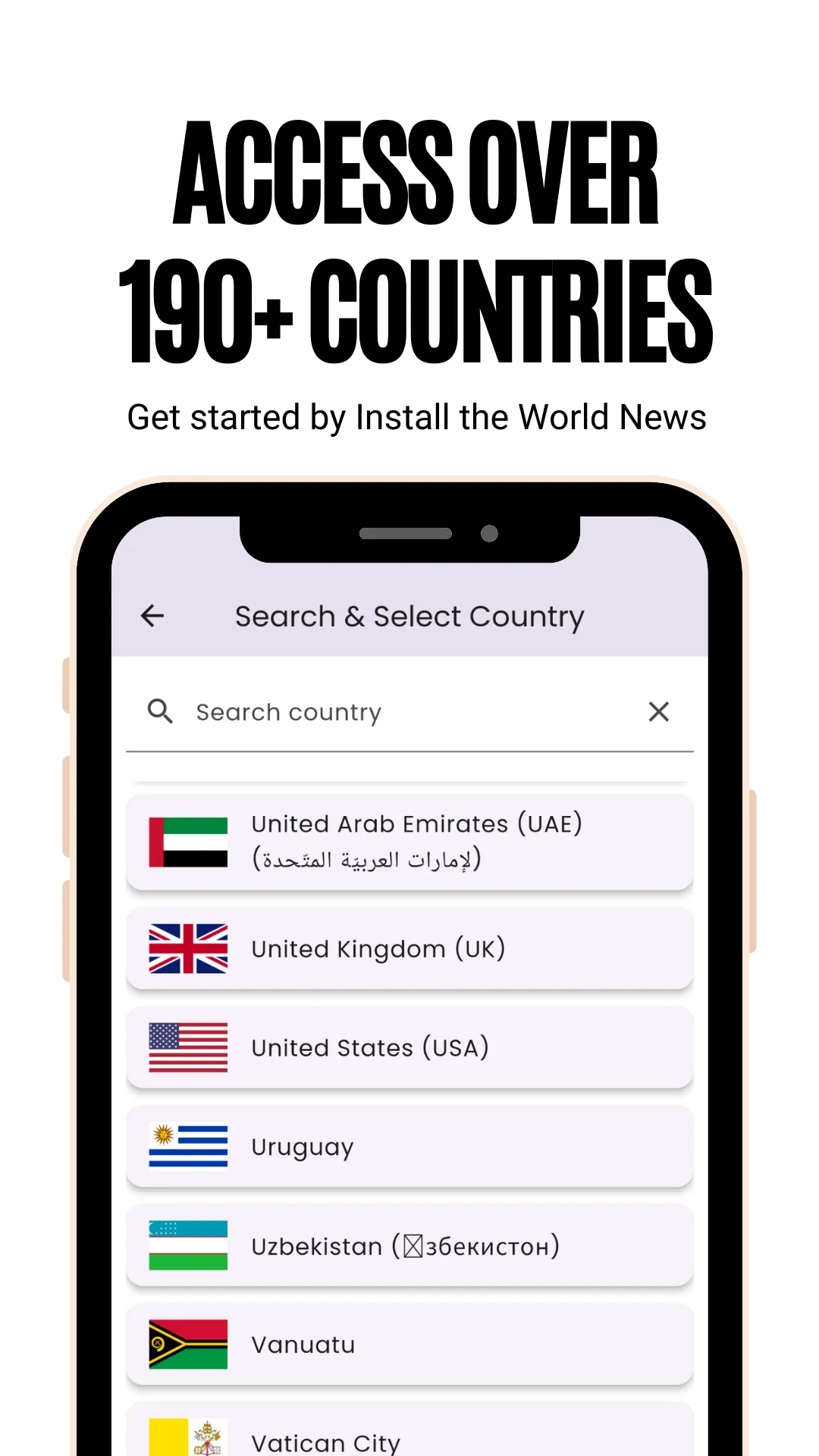
Searchable country list in the World News and Newspapers app, each country shown with its flag, captioned Access over 190+ countries
Access over 190+ countries — search or scroll a flagged list and pick any country.
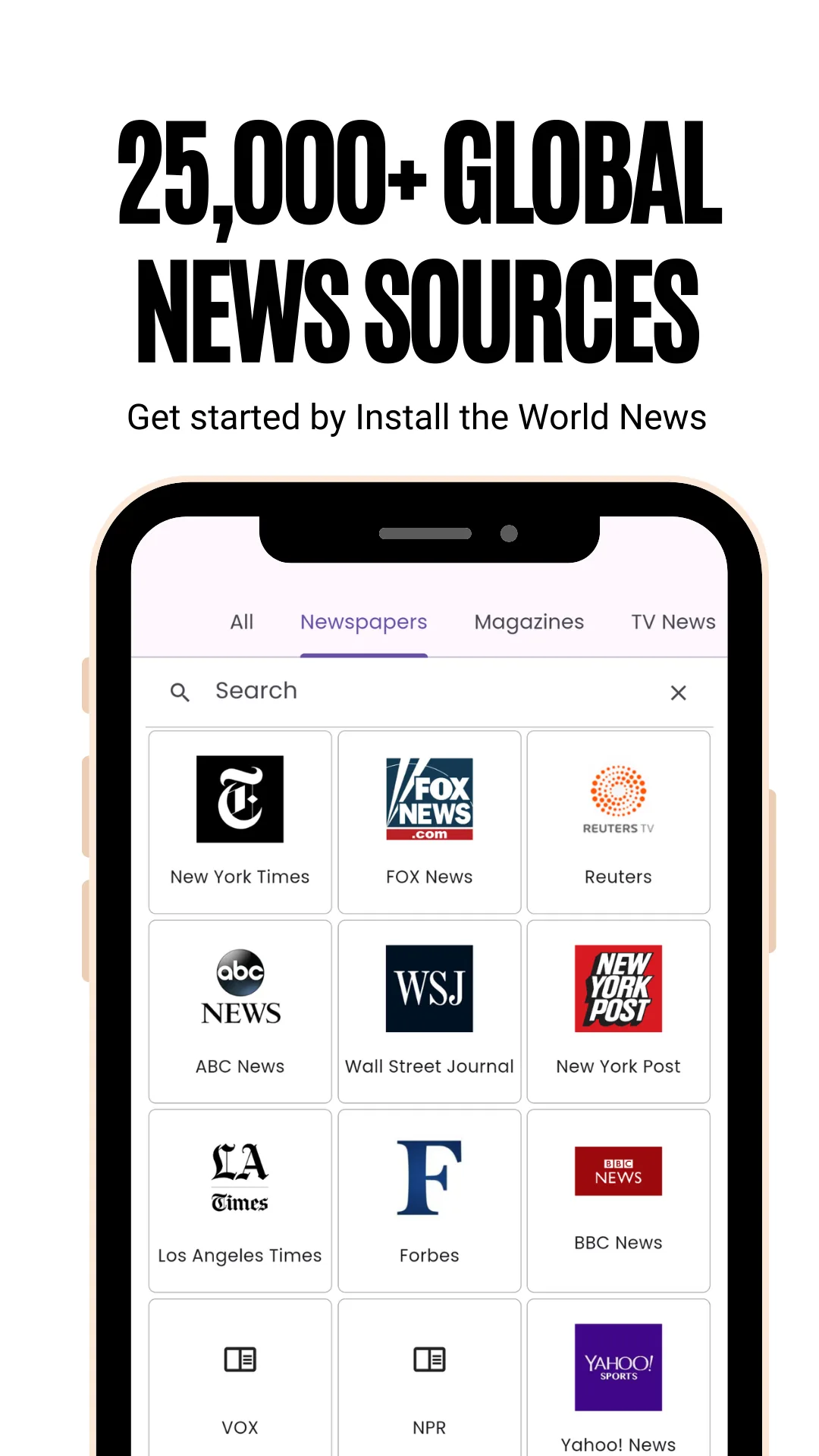
Grid of newspaper and news-site logos for a selected country with a search bar above it, captioned 25,000+ global news sources
25,000+ global news sources — every paper, magazine and channel for a country as a logo grid.
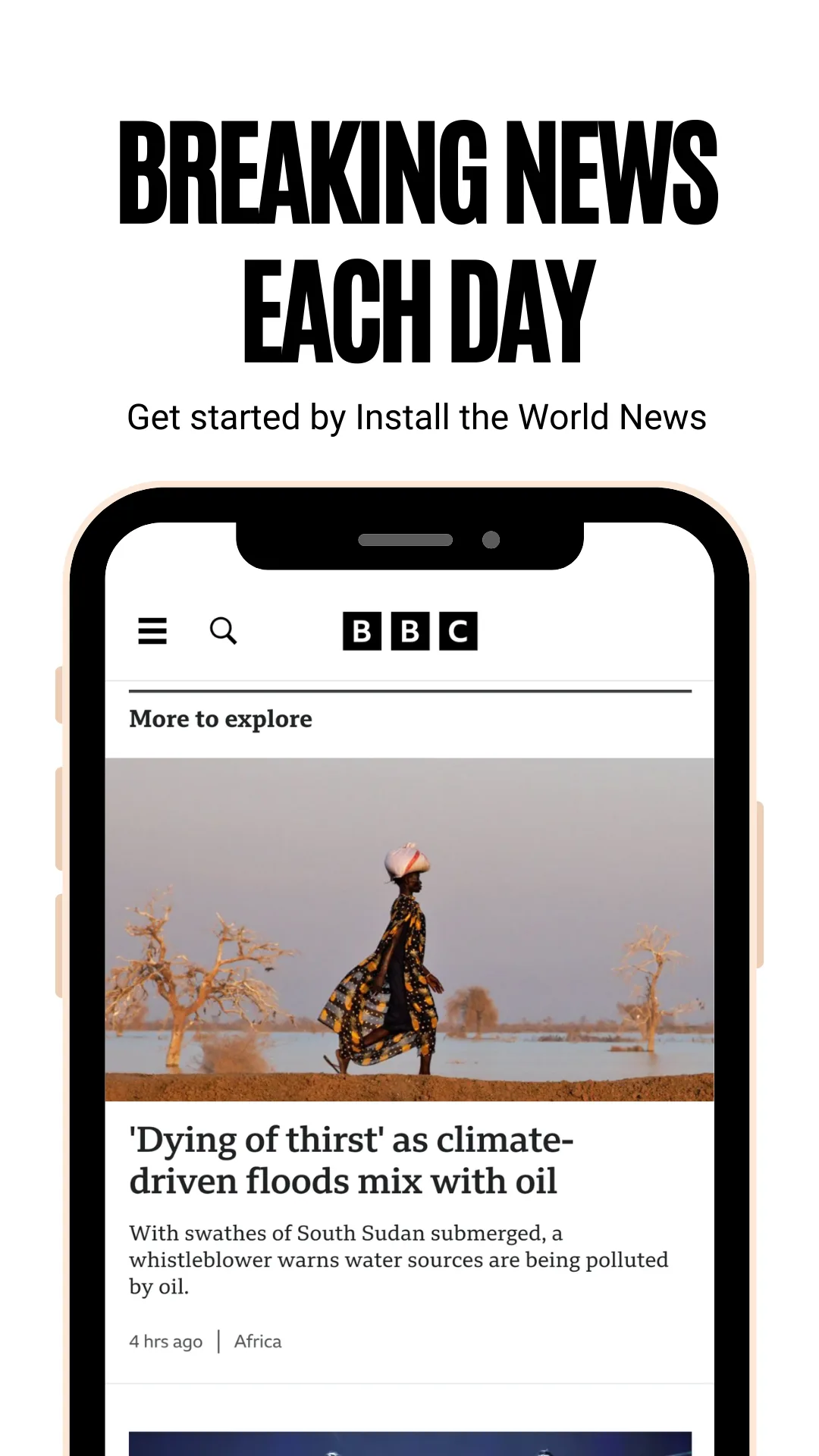
A news article open in the in-app reader with its photograph and headline, captioned Breaking news each day
Breaking news each day — articles open on the publisher's own site in the in‑app reader.
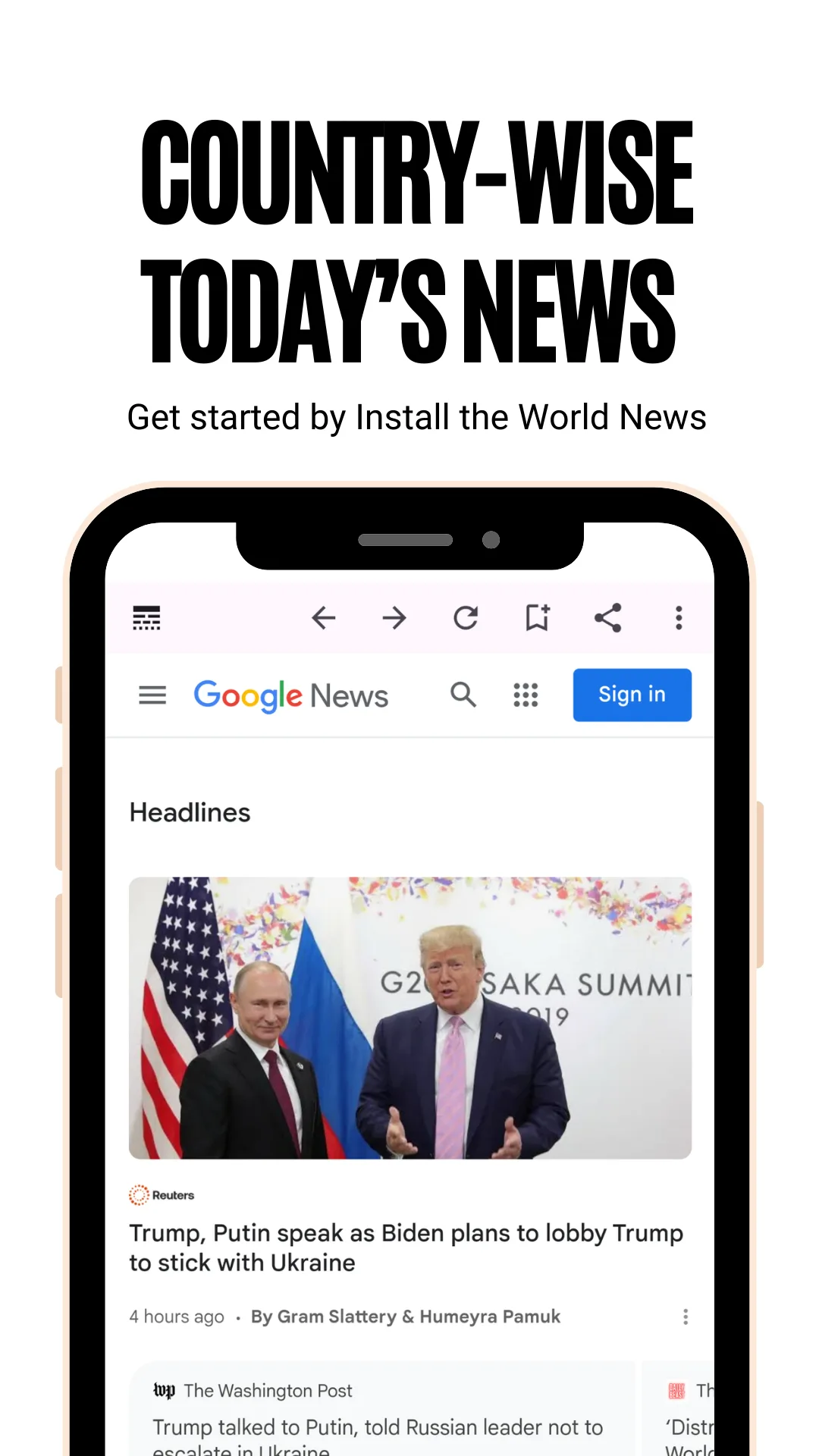
Today's headlines for one selected country listed with thumbnail images, captioned Country-wise today's news
Country‑wise today's news — the day's top headlines for whichever country you picked.
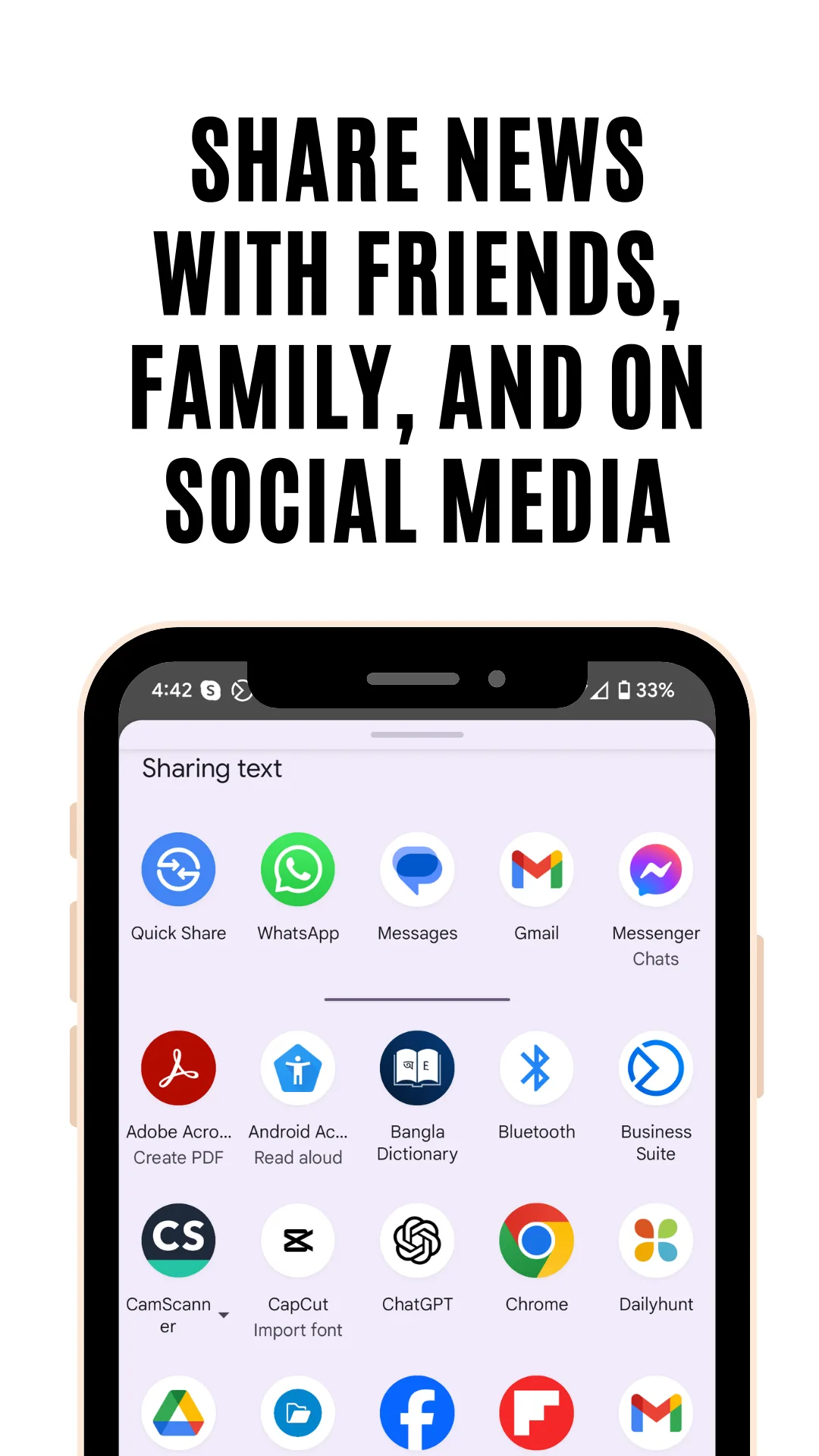
Android share sheet open over a news story showing messaging and social app targets, captioned Share news with friends, family and on social media
Share news with friends, family and on social media — one tap to any app.
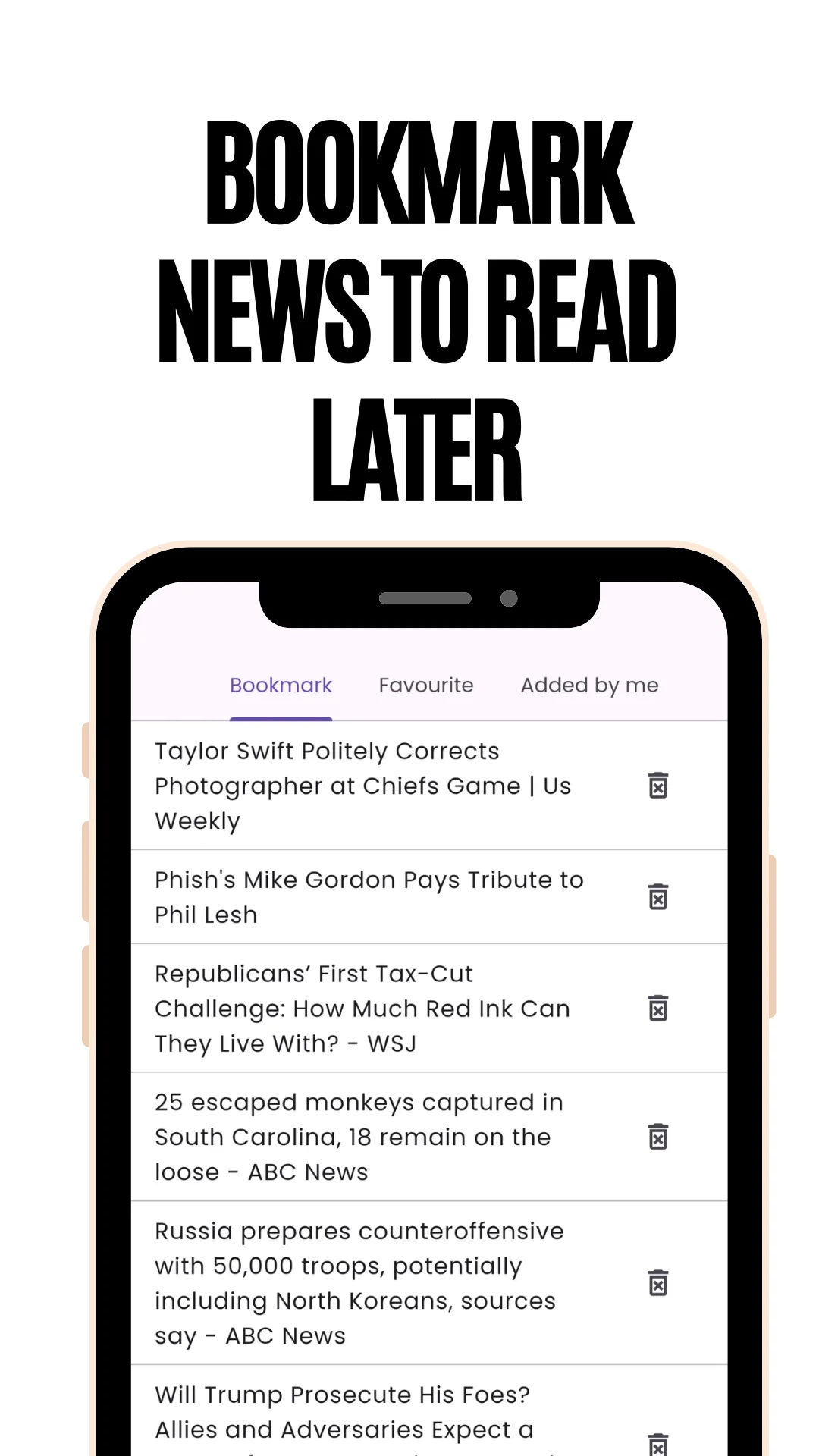
List of saved articles with bookmark icons in the World News and Newspapers app, captioned Bookmark news to read later
Bookmark news to read later — saved stories collect in one list.
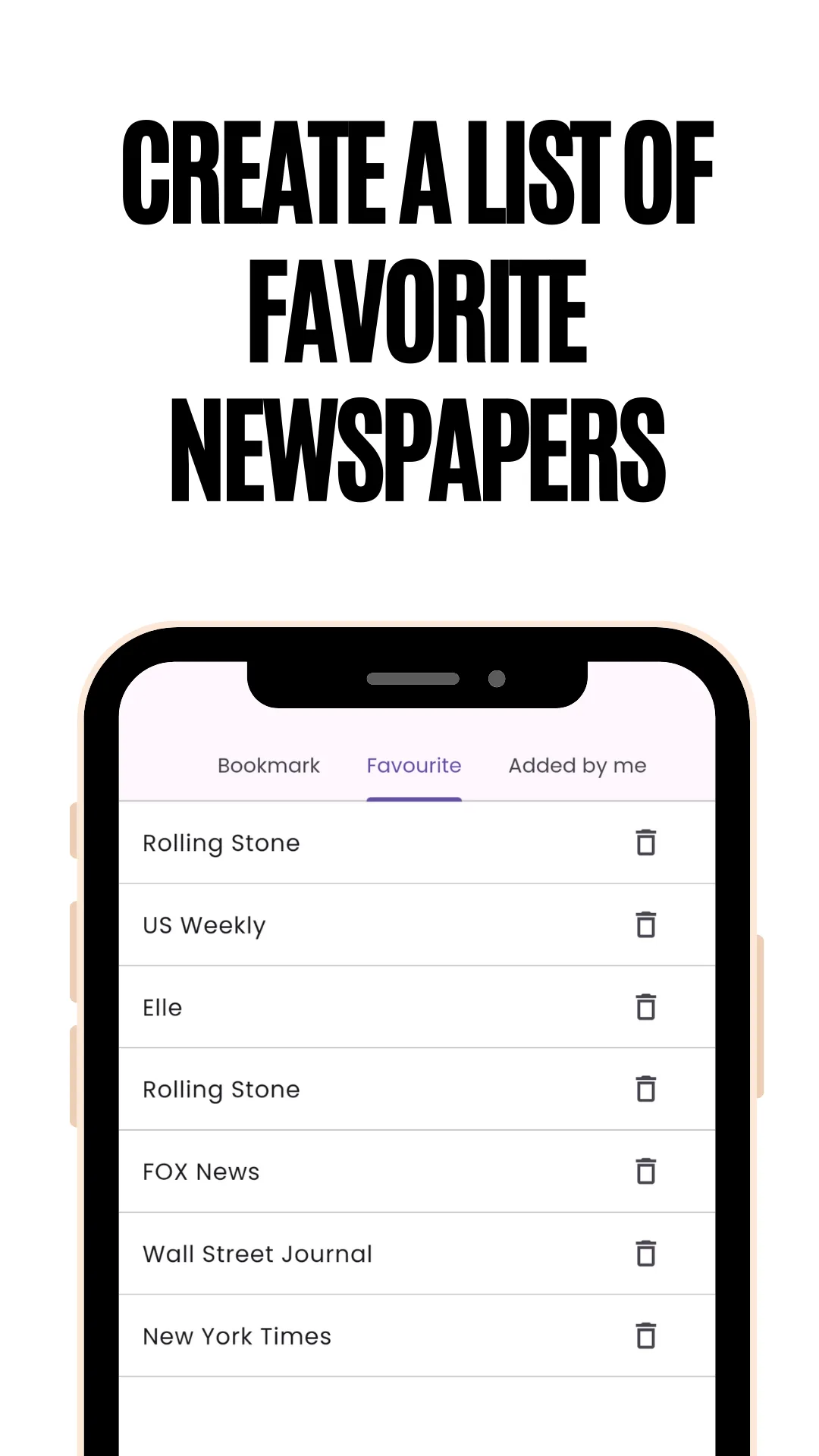
Favourites screen listing saved newspapers for quick access, captioned Create a list of favorite newspapers
Create a list of favourite newspapers — pin the titles you read every day.
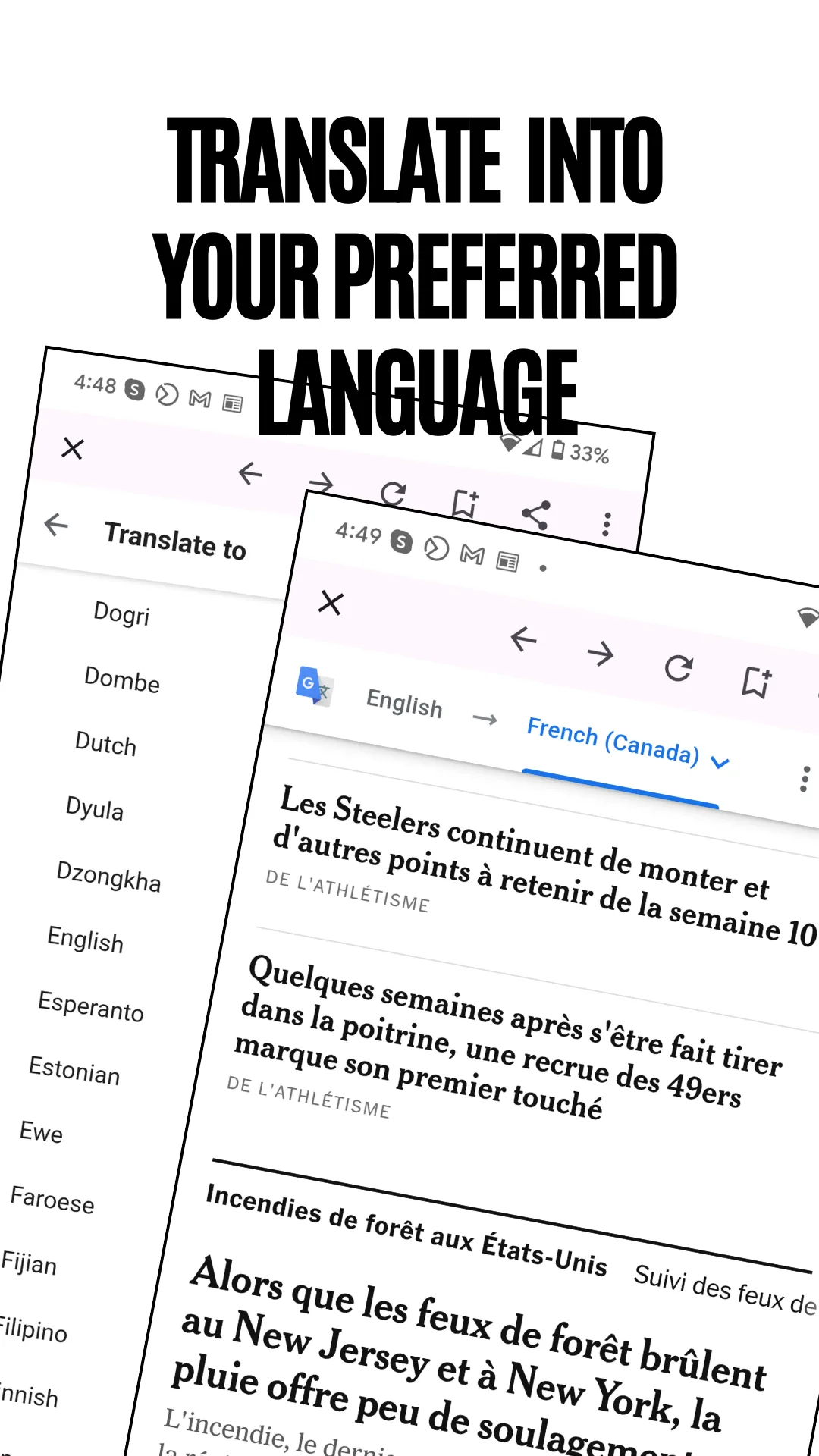
A French-language news page with the in-app translation control open above it, captioned Translate into your preferred language
Translate into your preferred language — read a foreign paper in your own.
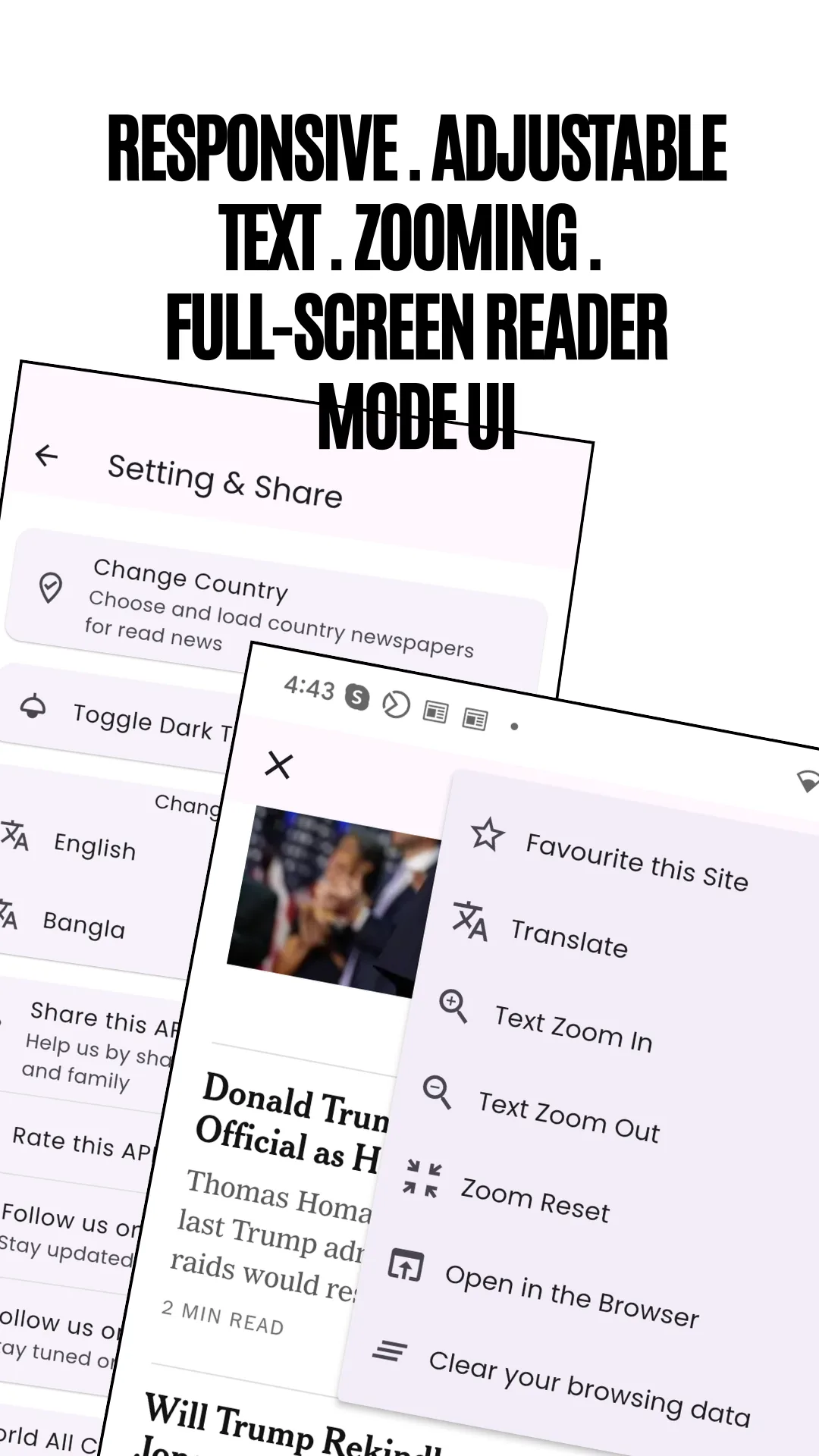
Reader settings sheet over an article offering text size, zoom and full-screen options, captioned Responsive, adjustable text, zooming, full-screen reader mode
Adjustable text, zoom and full‑screen reader mode, on any screen size.
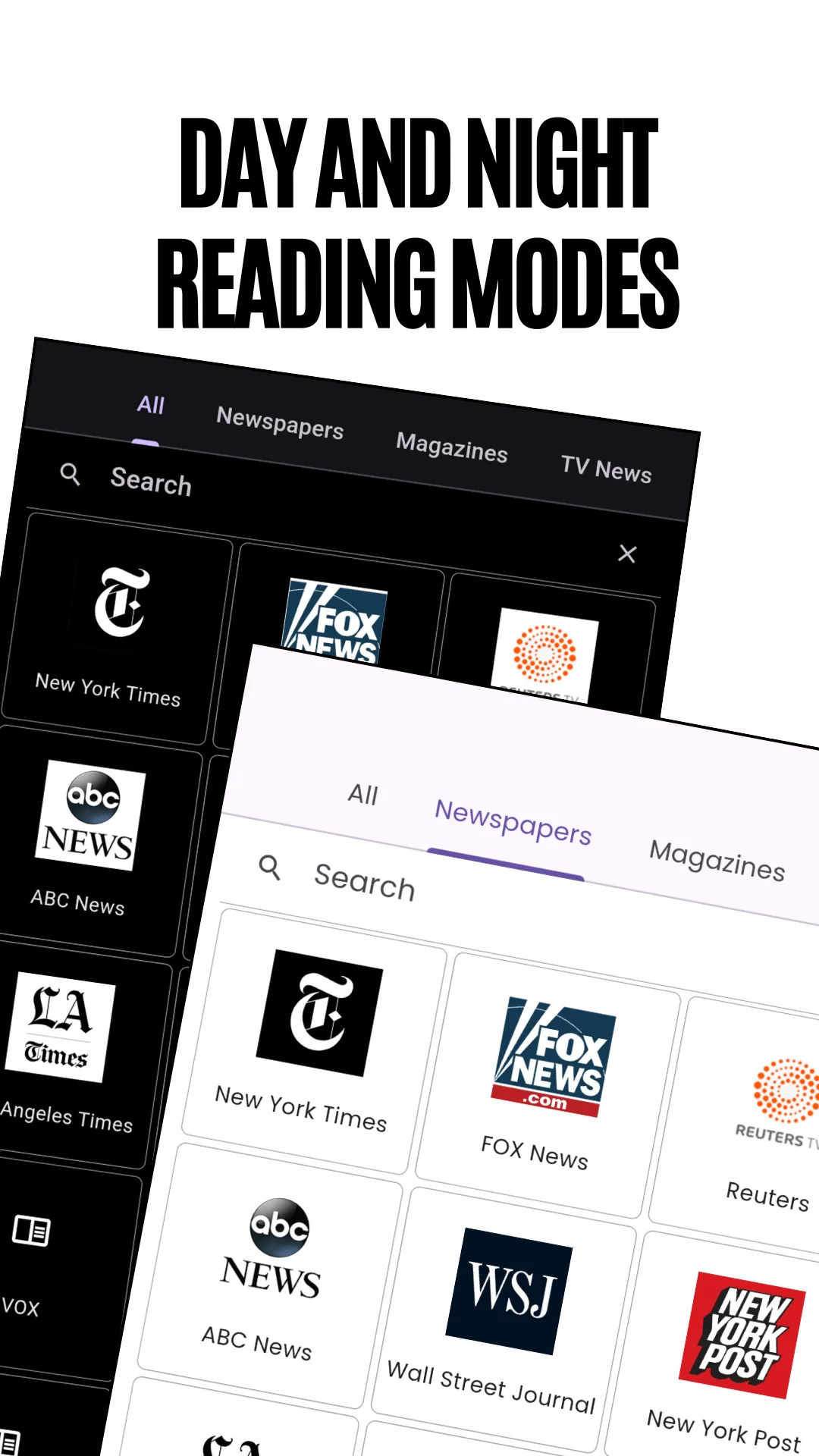
The newspaper logo grid shown in the app's dark theme, captioned Day and night reading modes
Day and night reading modes — a dark theme for evening reading.

Structure

Seven ways to browse

Every country opens into the same seven tabs, so the app works the same way whether you are reading Nigeria or Norway.

  1. 1All — every source for the selected country on one screen.
  2. 2Newspapers — national, regional and local daily papers.
  3. 3Magazines — news, business, technology, science and lifestyle titles.
  4. 4TV News — television and broadcast news channels for that country.
  5. 5World Sports — sports papers and sections, from football to cricket.
  6. 6International News — the globally read newspapers, in one list.
  7. 7International Magazines — widely circulated magazine titles worldwide.

Features

What the app does

It is a directory, not a feed. You choose the publication; the app does not choose for you.

Browse by country

Open any of 190+ countries to see its newspapers, magazines, TV news channels and news agencies in one screen.

Search any publication

Type a newspaper or magazine name to open it in seconds, or search a country to see everything published there.

Top headlines by country

A daily digest of the biggest stories for whichever country you are following, separate from the source list.

Breaking news alerts

Optional notifications for the day's major stories, which you can turn off entirely in settings.

Favourites and bookmarks

Pin the papers you read daily and bookmark individual articles to finish later.

Built‑in translation

Convert a foreign‑language page into your preferred reading language without leaving the app.

Comfortable reading

Full‑screen reader mode, adjustable text size, pinch zoom, day and night themes, pull‑to‑refresh, and a keep‑screen‑on setting.

Phone, tablet and Android TV

The layout adapts to the screen, so the same directory works on a handset and on a television.

Coverage

Countries and topics

A sample of what is inside. The full directory spans more than 190 countries.

Countries (sample)

  • United States
  • United Kingdom
  • Canada
  • Australia
  • New Zealand
  • India
  • Pakistan
  • Bangladesh
  • Sri Lanka
  • Nepal
  • Nigeria
  • Ghana
  • Kenya
  • South Africa
  • Egypt
  • United Arab Emirates
  • Saudi Arabia
  • Qatar
  • Turkey
  • Israel
  • Germany
  • France
  • Spain
  • Italy
  • Portugal
  • Netherlands
  • Sweden
  • Poland
  • Ireland
  • Greece
  • Russia
  • Ukraine
  • China
  • Japan
  • South Korea
  • Indonesia
  • Vietnam
  • Philippines
  • Thailand
  • Malaysia
  • Singapore
  • Brazil
  • Mexico
  • Argentina
  • Chile
  • Colombia
  • and 145+ more

Source types

  • Daily newspapers
  • Regional and local papers
  • Magazines
  • TV news channels
  • News agencies
  • News websites
  • Sports press

Topics

  • Top news
  • Breaking news
  • World news
  • Business
  • Finance
  • Politics
  • Sports
  • Technology
  • Science
  • Health
  • Entertainment
  • Lifestyle
  • Education
  • Travel

How it works

Three steps from install to reading

  1. Pick a country

    Open the country list, search or scroll to the country you want. No account, no setup questions.

  2. Pick a tab or a publication

    Choose Newspapers, Magazines, TV News or Sports for that country — or tap any title straight from the grid.

  3. Read, translate, save or share

    The publication opens on its own official website inside the reader. Translate it, resize the text, bookmark it or send it on.

Audience

Who uses this app

  • Expatriates and migrants who still read the papers and watch the TV news from home.
  • Students and researchers comparing how one event was covered in different countries.
  • Journalists and media monitors tracking national press outside their own market.
  • Travellers and business readers checking local news before a trip or a negotiation.
  • Language learners reading authentic daily material rather than textbook text.
  • Readers who dislike algorithmic feeds and would rather choose their own sources.

Two apps

Which News Media Lists app should you install?

Both are free, both are built on the same directory, and they are built for different reading habits.

You are here

World News & TV: All Countries

Country‑first. Pick a country, then move between its newspapers, magazines, TV news channels and sports press in seven tabs. Adds daily headlines by country, breaking‑news alerts and Android TV support.

Install this if you follow a few specific countries closely and want television news alongside the papers.

Companion app

World Newspapers: News Reader

Publication‑first, with the widest catalogue: newspapers, magazines and e‑papers organised by country, region and topic, plus topic filters that cut across countries.

Install that one if you want the broadest possible list of publications and read by subject as much as by country.

See World Newspapers: News Reader →

Questions

Frequently asked questions

What is World News & TV: All Countries?

It is a free Android app published by News Media Lists (formerly listed on Google Play as "World News and Newspapers") that organises more than 25,000 newspapers, magazines, TV news channels and news websites from over 190 countries, so you can open any of them in a tap. Each publication opens on its own official website inside the app.

Is the app free?

Yes. It is free to download and free to use, and supported by advertising. There is no subscription and no paywall inside the app itself, although individual publishers may apply their own paywalls on their websites.

Do I need an account?

No. There is no sign‑up, no login and no email address required. The app opens straight to the country list.

Can I read newspapers in languages other than English?

Yes. Local‑language papers sit alongside English editions for every country, and built‑in translation converts a foreign‑language page into your preferred reading language.

How do I find newspapers from one specific country?

Tap a country in the list and every newspaper, magazine and TV news source for it appears on one screen, split into seven tabs. You can also search directly by publication name.

Is this a news aggregator?

No, it is a directory. It links to each publisher's own official website, so you read the news at the source rather than a rewritten or reformatted copy. That is what makes it useful for comparing how the same story is reported in different countries.

Does it work on tablets and Android TV?

Yes. The layout adapts to phone, tablet and television screens, with adjustable text size and zoom for reading at a distance.

Can I watch TV news in the app?

The TV News tab lists each country's television news channels and opens their official websites, where their own news pages and any streams they publish are available. The app does not host or rebroadcast any channel.

How often is the source list updated?

Regularly, as publications launch, merge, rename or close. The directory behind the app is maintained on newsmedialists.com.

What data does the app collect?

According to its Google Play Data safety declaration, the app may collect device or other IDs, shares no data with third parties, and encrypts data in transit. To request deletion of any data associated with your device, email [email protected].

Does the app store news articles?

No. The app does not host, own or produce news content. It organises links to publicly available publications, which open on their publishers' own websites.

Publisher

About News Media Lists

News Media Lists (newsmedialists.com) is a global media directory covering newspapers, magazines, radio stations, television channels and news agencies worldwide. The directory is the source behind this app, its companion apps and the web directory. Every entry links to a publisher's official website; nothing is republished or mirrored.

Important. This app is an independent directory and is not affiliated with, endorsed by or sponsored by any publisher listed in it. It does not host, own or produce news content — it organises and links to publicly available newspapers, magazines, TV news and news websites, which open on their own sites. All logos, mastheads, broadcasts and trademarks belong to their respective owners. An internet connection is required, and some publishers limit access to their own content.

Corrections, a data deletion request, or a publication you would like added to the directory: [email protected]